
Kawa
A Laravel site for PT Kawa Sejahtera Mandiri — a company profile, a property catalog with detail pages, and email/password accounts that route admin, owner, and regular users to their own dashboards.
Background
A property company needs two things from its website: a public face that presents the company and its listings, and a private side where different people see different tools. Buyers and renters should be able to browse properties and read about the company, while admins and owners need their own entry points. Kawa builds both on one Laravel application, with a single account table and a role column that decides where each sign-in lands.
Process
Design direction
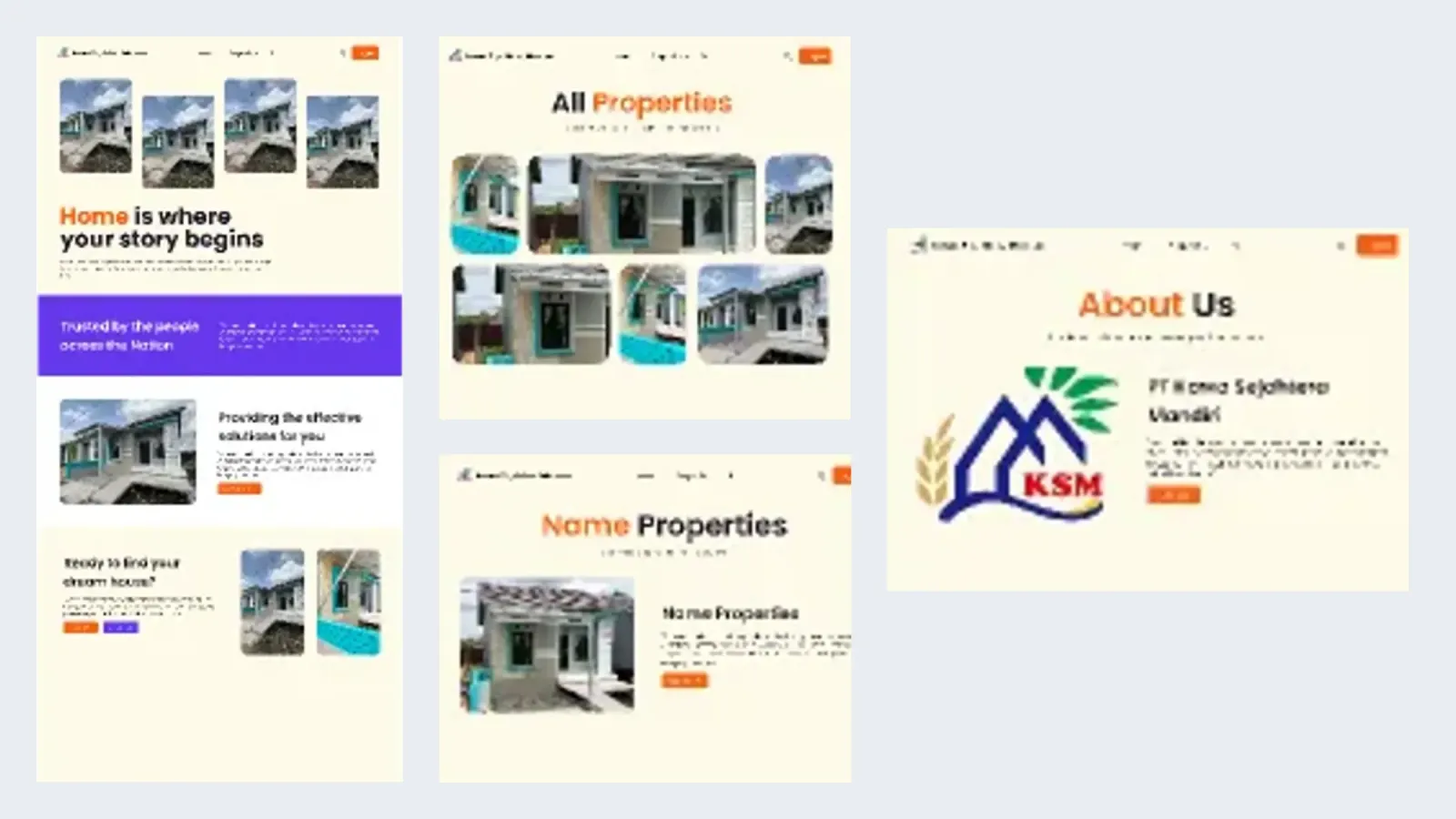
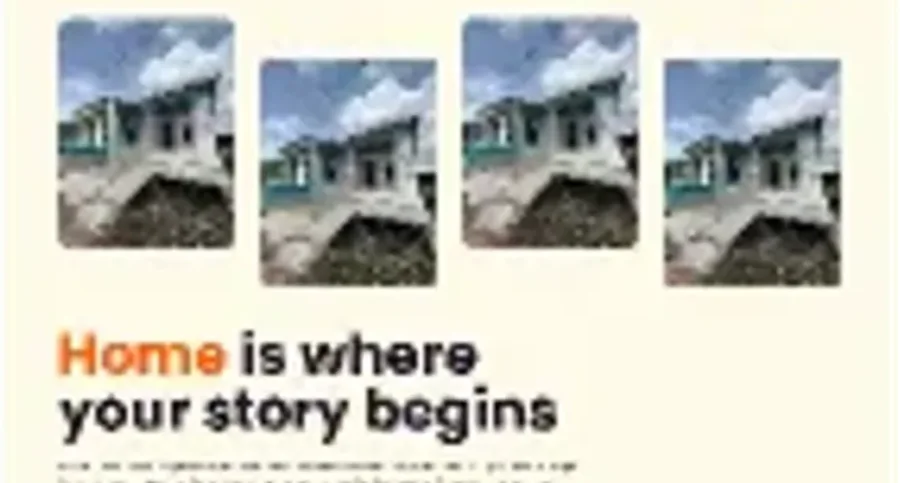
Started in Figma with a cream base, orange for primary actions, and purple for full-width statements, then laid out the home, properties, property detail, about, and login screens. The palette and screen structure were carried into the build.
Public pages
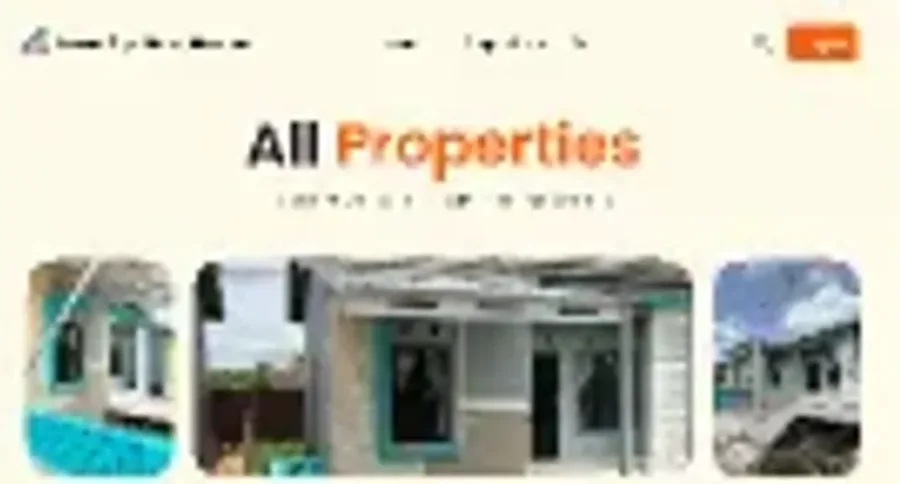
Built the Blade views for the landing page, the property grid, a property detail page, and the company profile with a contact section. A shared layout holds the navigation, the active-link state, and the footer, so every page keeps the same shell.
Accounts and roles
Created the users table with a role enum for user, admin, and owner, plus registration with server-side validation and hashed passwords. Login runs through Auth::attempt and sends each role to its own dashboard route; a seeder provides demo admin and owner accounts.
Dashboard routing
Separated the admin, owner, and user dashboard routes and wired the navigation to show the right one for the signed-in account. Logout is a CSRF-protected POST form, and role and login middleware are registered for the next step.
Gallery

Key Features
Shared Blade layout
One layout carries the logo, navigation, sign-in state, and footer across the public pages, with the current route highlighted in orange.
Property catalog
A grid of property cards and a detail page for a single listing. The cards are still sample content in the Blade views rather than records read from MySQL.
Registration with validation
The form checks the name, a unique email, and a confirmed password of at least six characters, then stores the account with a hashed password.
Role-based sign-in
The users table stores a role — user, admin, or owner — and a successful login redirects to the matching dashboard instead of one generic home page.
Seeded demo accounts
A seeder creates an admin and an owner account so the three sign-in paths can be tried without registering first.
Company profile and contact
The About page pairs the KSM logo and company description with a contact form and address details, giving the site a public identity beyond the listings.
Kawa ships the public site and the account flow: landing, property grid, property detail, about, registration, login, and a separate dashboard route for each role. The dashboards are still empty shells and the listings are sample content, so the next step is moving properties into MySQL and building out the admin and owner tools behind the registered middleware.